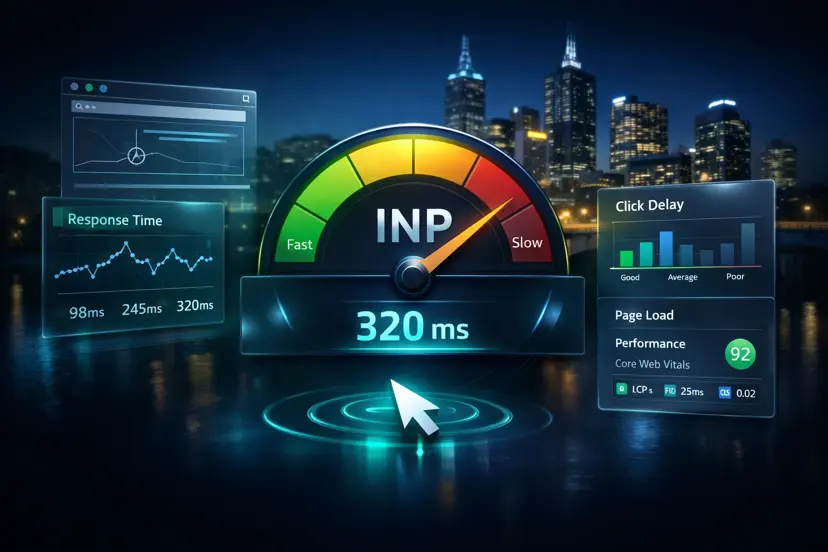

You can spend weeks optimising a website, hit a perfect score, and still lose ground because of a single publish.
A large image gets uploaded. A plugin injects blocking scripts. A new marketing tool adds third-party latency. Suddenly performance drops, SEO weakens, and Core Web Vitals start failing.
If you want a hands-on fix path (not just reports), start with website speed and SEO optimisation and turn each audit into real implementation.
The real SEO problem in 2026
Not bad builds, but silent regressions after publishing.
Trust signals
- Real Google PageSpeed data (not guesses)
- Melbourne-based performance testing for Australian latency
- Built for developers, agencies, and serious teams
If you are not auditing your site at the moment someone hits publish, you are guessing.
The “publish and pray” problem#
Modern CMS platforms make publishing easy. They also make it easy to introduce problems:
- Webflow: heavy CMS images and unoptimised embeds.
- WordPress: plugin bloat, script injection, and theme drift.
- Shopify: third-party apps, pixels, and checkout-side scripts.
Most teams run audits occasionally, check PageSpeed manually, and react after issues happen. By then, rankings and conversions have already taken the hit.
CMS automation: the webhook workflow#
The more reliable pattern is a publish-triggered audit:
- You publish content.
- Your CMS sends a webhook.
- An audit runs instantly.
- Issues are detected immediately.
- Fix recommendations are generated.
No delays. No manual checks. No “we will look at it later”.
This approach enables a fully automated website audit workflow triggered on every CMS publish.
How Pagelyze automates this#
Pagelyze can connect to your CMS using secure webhook integrations, so every publish becomes a checkpoint instead of a risk event.
Supported platforms include:
- Webflow
- WordPress
- Shopify
- Storyblok
When content is published:
- A secure webhook is triggered.
- A full audit runs (Performance, SEO, Accessibility).
- Results are generated in seconds.
- Insights are saved and tracked over time.
That creates a continuous optimisation loop instead of one-off reporting.
Designed for the Australian web (Melbourne advantage)#
Most tools test from the US. That can hide real user pain in Australia. A site can look “fast” overseas while feeling slow for customers in Melbourne.
The differentiator
Pagelyze tests from Melbourne, Sydney, and Perth — so you see how your site actually performs for Australian users.
That is why regional testing matters. Pagelyze focuses on location-specific latency from:
- Melbourne
- Sydney
- Perth
This is critical for local SEO, conversion rates, and real user experience. If Melbourne users are experiencing delays that global tools miss, a regional audit will surface it.
Real example#
Case snapshot
A Webflow site dropped from 94 → 71 after a CMS update because unoptimised images shipped in a new collection page. A publish-triggered audit detected it immediately and surfaced the exact fix path before rankings slipped.
This pattern is increasingly used by agencies managing multiple client websites where performance regressions are common.
Zero-maintenance SEO with Watchdog monitoring#
Websites do not fail once. They degrade over time. That is why continuous monitoring matters.
The risk
Without monitoring, your site can lose rankings without you noticing.
Pagelyze Watchdog monitoring can include:
- daily automated re-scans
- performance tracking over time
- alerts when scores drop beyond a threshold
Watchdog detects regressions automatically and alerts you before it impacts your traffic, conversions, or paid campaigns.
Implementation-ready Fix Packs (no guesswork)#
Most tools stop at a score. The harder part is implementing the fix correctly for your stack.
Pagelyze Fix Packs are designed to be implementation-ready and deterministic, so the guidance stays specific and production-oriented:
- clear explanation of the issue
- why it matters (SEO, conversions, accessibility)
- exact fix steps
- code suggestions tailored to your platform
Common stacks include React / Next.js, Vue / Nuxt, WordPress / PHP, and vanilla JavaScript.
Prove your work with the Improvement Certificate#
Technical improvements are often invisible to stakeholders until something breaks.
Pagelyze can generate a verified Improvement Certificate with before-and-after scores and measurable gains. This is especially useful for agencies, freelancers, and client reporting.
Security-first architecture#
Publish-triggered audits only work if the integrations are secure. Pagelyze is designed around an enterprise-style security model, including encrypted tokens and verified webhooks.
- CMS tokens encrypted using AES-256-GCM
- webhooks verified using HMAC-SHA256 signatures
- sensitive data never exposed or logged
Need help implementing the workflow?
If you want publish-triggered audits set up properly (and the fixes implemented end-to-end), start with Speed & SEO Fixes, or contact PKTechie and I will map the safest webhook and monitoring approach for your CMS.
Why this matters for SEO in 2026#
Search performance depends on Core Web Vitals, technical SEO, content structure, and consistency over time. Small regressions can reduce rankings, impact conversions, and increase bounce rates.
If your website changes every week, continuous monitoring is no longer optional.
Who this is for#
Publish-triggered audits are a strong fit for:
- agencies managing multiple sites
- Webflow developers and teams
- WordPress site owners dealing with plugin churn
- Shopify store owners running multiple apps and pixels
- Australian businesses that need Australia-based performance insight
Stop guessing your website performance after every publish#
Run a free audit now and see exactly what is slowing your site down.
Next step
Final thoughts#
Websites are constantly changing, which means problems can appear at any time. If you are not auditing continuously, you are relying on luck.
In 2026, the standard is simple: automate audits at publish time, then monitor trends so you can fix regressions before rankings and revenue move.