
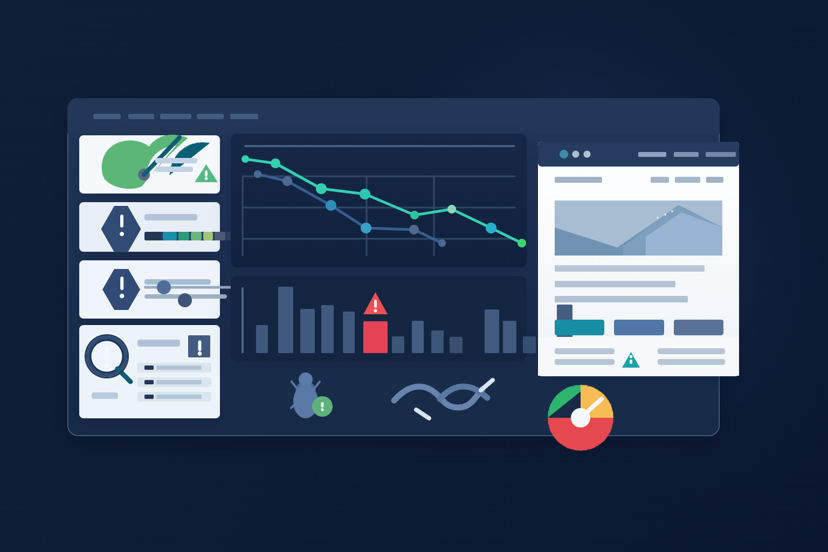
Many small business websites look perfectly fine on the surface.
The branding might be decent. The pages load. The contact form works. From the owner's perspective, nothing seems broken.
But despite that, the website still does not generate many enquiries.
This is more common than people realise. In many cases, the problem is not one obvious issue. Instead, it is a collection of smaller problems that quietly reduce trust, usability, and performance.
Visitors do not complain when they encounter these problems. They simply leave and try another business.
After reviewing and improving many websites over the years, the same patterns appear again and again. Below are ten issues that frequently stop websites from converting visitors into real enquiries.
If your website is slow, difficult to use on mobile, or not converting visitors into enquiries, the problem is often a mix of hidden UX, performance, accessibility, and SEO issues rather than one obvious failure.
In many cases, a website can look modern on the surface but still perform poorly where it matters most. A slow website, weak mobile experience, confusing calls to action, or technical SEO issues can all reduce enquiries without the business owner realising why.
1. Slow page loading#
Speed has a direct impact on user behaviour.
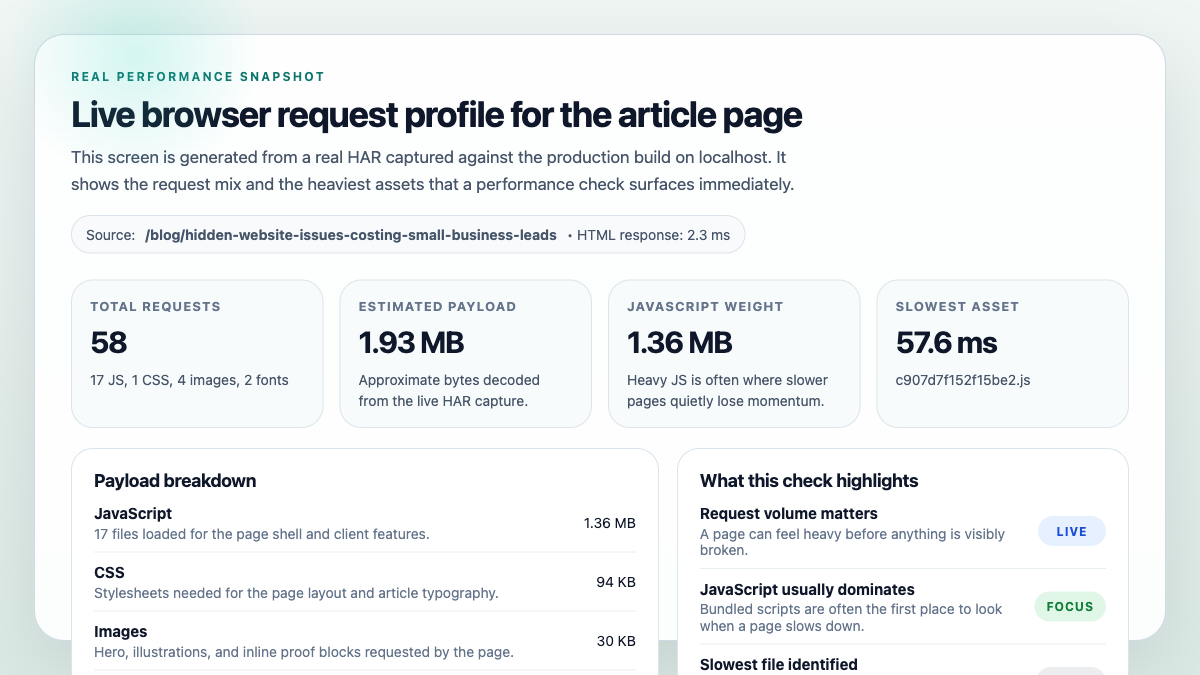
If a page takes too long to load, visitors often abandon it before they even see the content. Even a delay of a few seconds can reduce engagement significantly.
Common causes include:
- oversized images
- unoptimised scripts
- slow hosting environments
- too many third-party tools
Performance improvements are often one of the quickest ways to improve both user experience and search visibility. If you want a quick way to spot performance issues, you can start with a free audit in Pagelyze.
2. Weak first impression#
When someone lands on your homepage, they should quickly understand what the business does, who the service is for, and why they should trust it.
If that message is unclear or buried in vague marketing language, visitors hesitate.
And hesitation usually leads to them leaving.
3. Poor mobile experience#
A large share of web traffic now comes from mobile devices.
Yet many business websites are still designed primarily for desktop screens.
Common problems include:
- tiny text
- awkward navigation menus
- buttons that are difficult to tap
- layouts that break on smaller screens
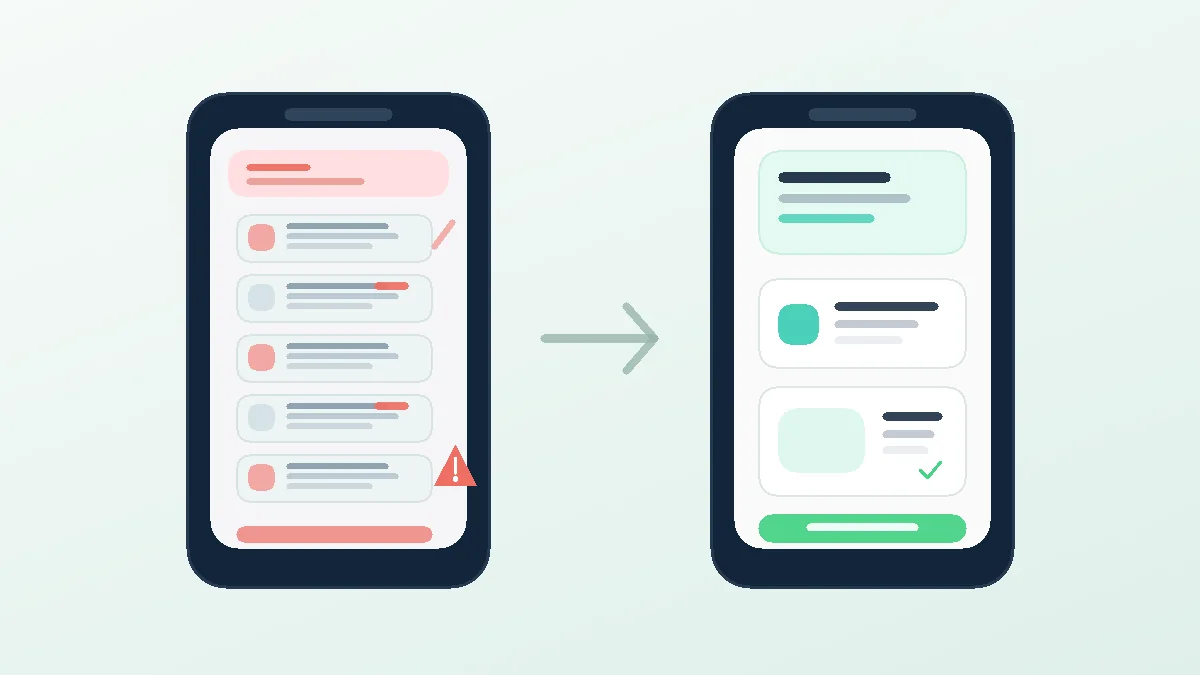
A poor mobile experience quickly pushes visitors away.
4. Weak call-to-action#
Many websites do not clearly guide visitors toward the next step.
A visitor might be interested in your service but still be unsure what to do next.
Clear calls-to-action such as:
- Request a Quote
- Book a Consultation
- Contact Us
make it easier for visitors to take action and reduce the chance that interest fades before they reach out.
5. Lack of trust signals#
Visitors want reassurance before contacting a business.
Trust signals can include:
- client testimonials
- case studies
- Google reviews
- certifications
- examples of past work
Without these elements, people may hesitate to get in touch, especially if they are comparing a few providers side by side.
Want to check your own site?
Run a free audit with Pagelyze to spot performance, accessibility, UX, and SEO issues early.
6. Confusing navigation#
If visitors cannot quickly find the information they need, frustration builds.
Menus that are cluttered, poorly labelled, or inconsistent make the site harder to use.
Clear, predictable navigation improves both usability and confidence. It also helps people move toward the page that actually converts, whether that is a service page, booking page, or contact form.
7. Accessibility issues#
Accessibility problems often go unnoticed by site owners but still affect usability.
Examples include:
- low colour contrast
- missing form labels
- unclear button states
- poorly structured headings
Improving accessibility usually improves the experience for all users, not only the visitors most obviously affected. If you need help turning these findings into real fixes, PKTechie also offers Speed & SEO Fixes for implementation support.
8. Contact friction#
Sometimes the issue is not attracting visitors, but what happens when they try to contact the business.
Common friction points include:
- long forms
- unclear contact options
- broken form submissions
- slow responses
Reducing friction here can make a significant difference because it removes the last bit of resistance between interest and action.
9. Technical SEO problems#
Many websites have technical issues that reduce their visibility in search engines.
Examples include:
- missing metadata
- broken internal links
- poor heading structure
- indexing issues
These problems can limit how easily potential customers discover your website, even if your service itself is strong. A proper website audit in Pagelyze can quickly flag the basics before you spend money fixing the wrong thing.
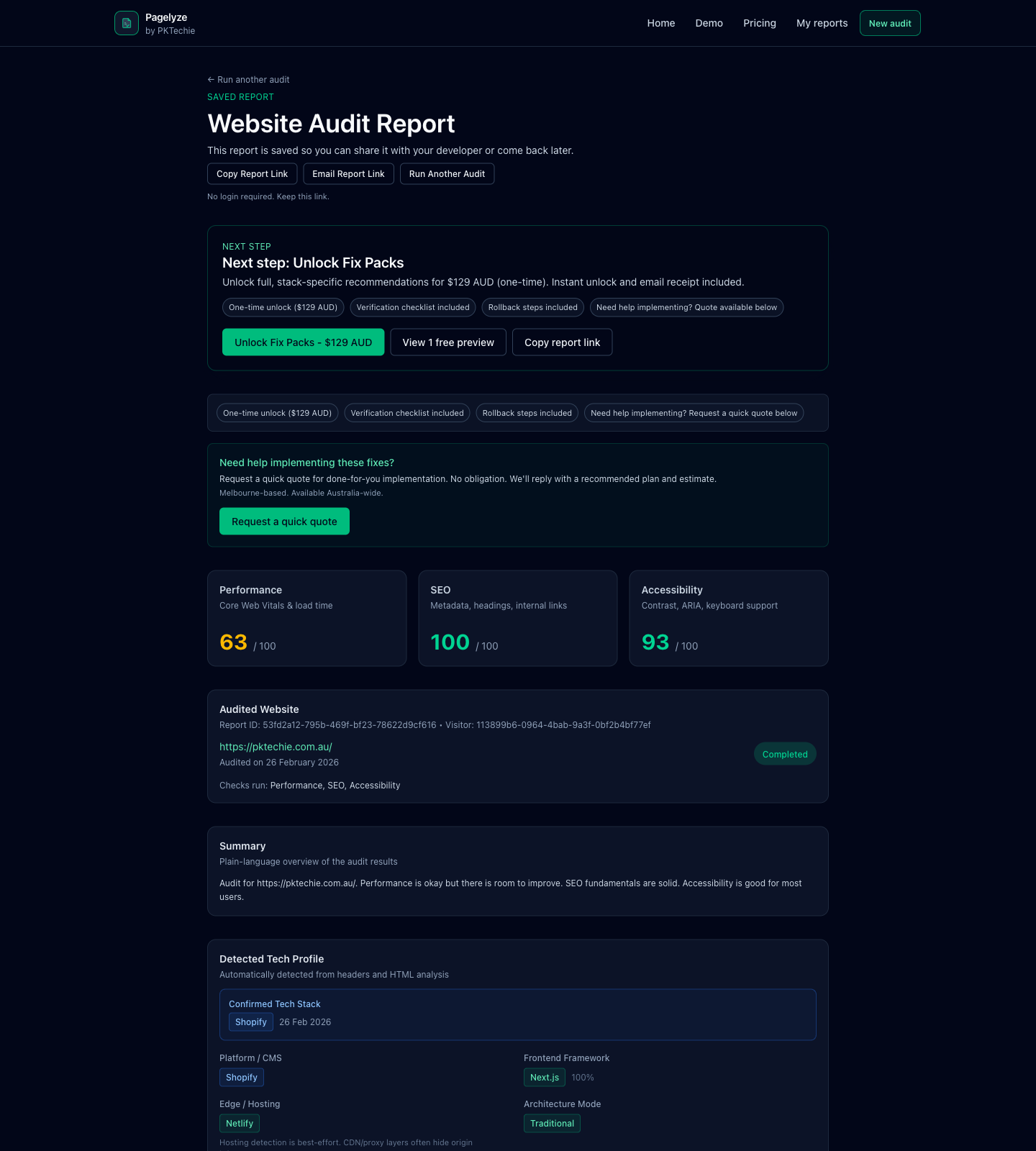
Audit tools like Pagelyze can help identify structural and technical issues early, before they quietly reduce visibility and enquiries.
10. No regular website audits#
Websites are not set and forget.
Over time, new issues appear as content grows, plugins change, integrations drift, and technology evolves.
Regular health checks help identify problems early before they affect performance, search visibility, or conversions. That is one of the simplest reasons to run regular checks through Pagelyze rather than waiting until leads drop off.
Need help fixing these issues properly?
If your site has a few of these issues and you want them resolved properly, start with Fix Sprint for urgent cleanup, explore Speed & SEO Fixes for broader implementation work, or contact PKTechie for a more detailed review.
What to do next#
Most websites do not struggle because of one major mistake. Instead, small issues gradually reduce performance, clarity, trust, and conversion potential. When these factors combine, the result is fewer enquiries and missed opportunities.
If you want to quickly see whether your website has any of these problems, you can run a free audit using Pagelyze. It checks common performance, accessibility, UX, and SEO issues and highlights areas that may need improvement.
If you would prefer expert help implementing fixes, you can also contact PKTechie for a more detailed review.