Why cloud infrastructure isn't magic #
AWS can feel overwhelming because it throws thousands of services at you on day one. But most real projects don’t start with “thousands”. They start with the same fundamentals you’d use anywhere: compute to run code, a safe network boundary, access control, storage for files, a database for structured data, and a repeatable way to provision it all.
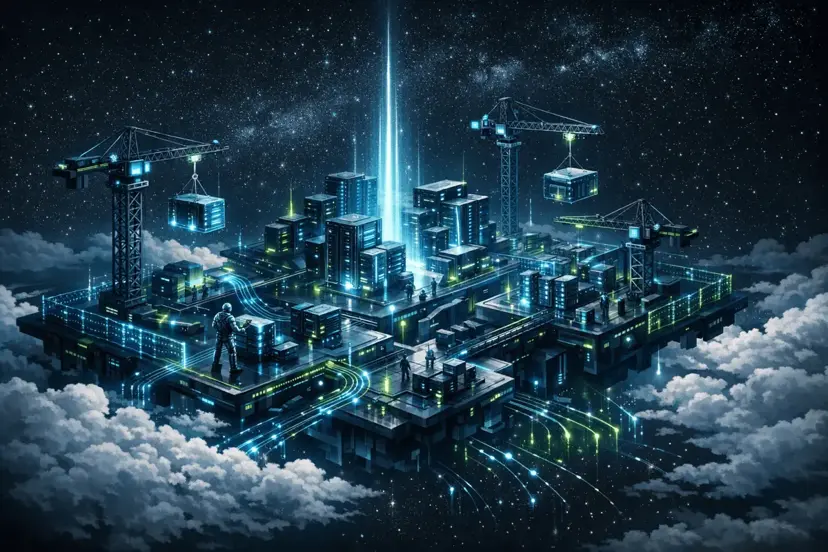
The mental model that made AWS click for me is simple: AWS is a digital construction site. Once you map services to roles on a job site, the AWS console stops feeling like chaos and starts feeling like a system you can reason about.
TL;DR: The 6 AWS foundations #
- EC2 = the workforce (compute)
- VPC = the perimeter fence (network boundary)
- IAM = site security (permissions + identity)
- S3 = the infinite depot (object storage)
- RDS = the specialist contractor (managed database)
- CloudFormation = the blueprints (infrastructure as code)
A real example: a simple Laravel app on AWS #
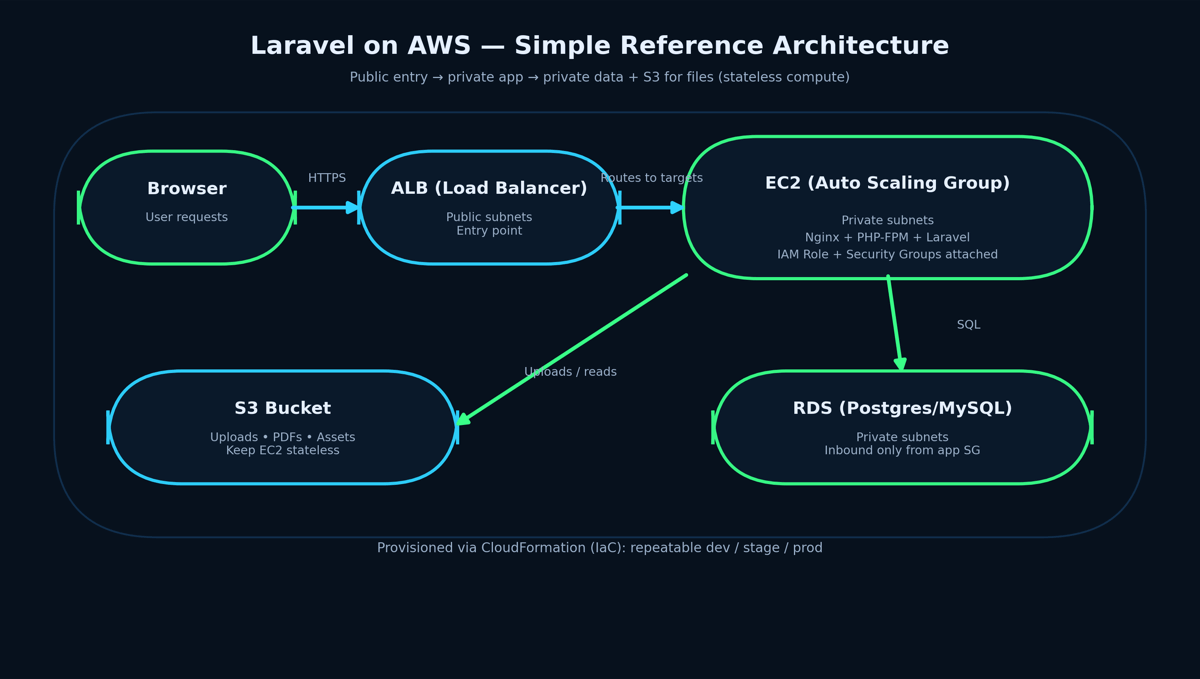
Here’s a realistic starting architecture for a Laravel app that a team can grow without rewriting everything later:
- Public entry: one internet-facing entry point (load balancer / reverse proxy)
- App layer: EC2 instances running Nginx + PHP-FPM + Laravel (preferably in private subnets)
- Database: RDS (Postgres/MySQL) in private subnets with strict inbound rules
- Files: S3 for uploads, generated PDFs, and static assets
- Access: IAM Roles on EC2 to allow only the exact S3 actions your app needs
- Repeatability: CloudFormation template to spin up dev/stage/prod consistently
That’s the “construction site” in practical terms: workers, fence, security gate, storage depot, specialist contractor, and blueprints. Now let’s break down each piece.
1) EC2: The Workforce (Elastic Compute Cloud) #
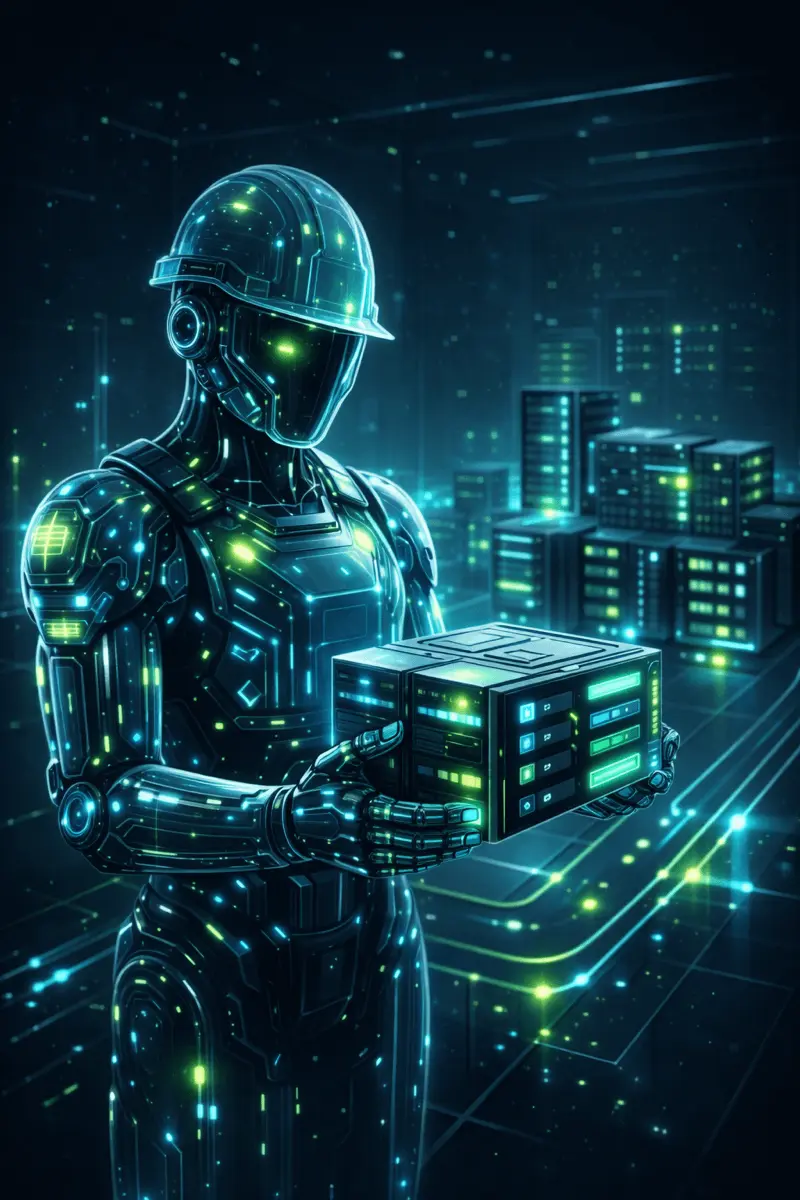
EC2 is the compute layer — it’s where your application actually runs. You choose an instance type based on CPU/RAM needs and run your stack. The cloud difference is you’re not “buying a server”; you’re provisioning capacity that can be replaced quickly.
In a Laravel setup, EC2 commonly runs Nginx + PHP-FPM for the web/API, and you can run queue workers separately for jobs like emails, PDF generation, or background processing. If traffic increases, you add more instances. If an instance fails, you replace it.
The key production habit: keep EC2 stateless. Anything you can’t lose (uploads, exports) should not live only on instance disk.
2) VPC: The Perimeter Fence (Virtual Private Cloud) #
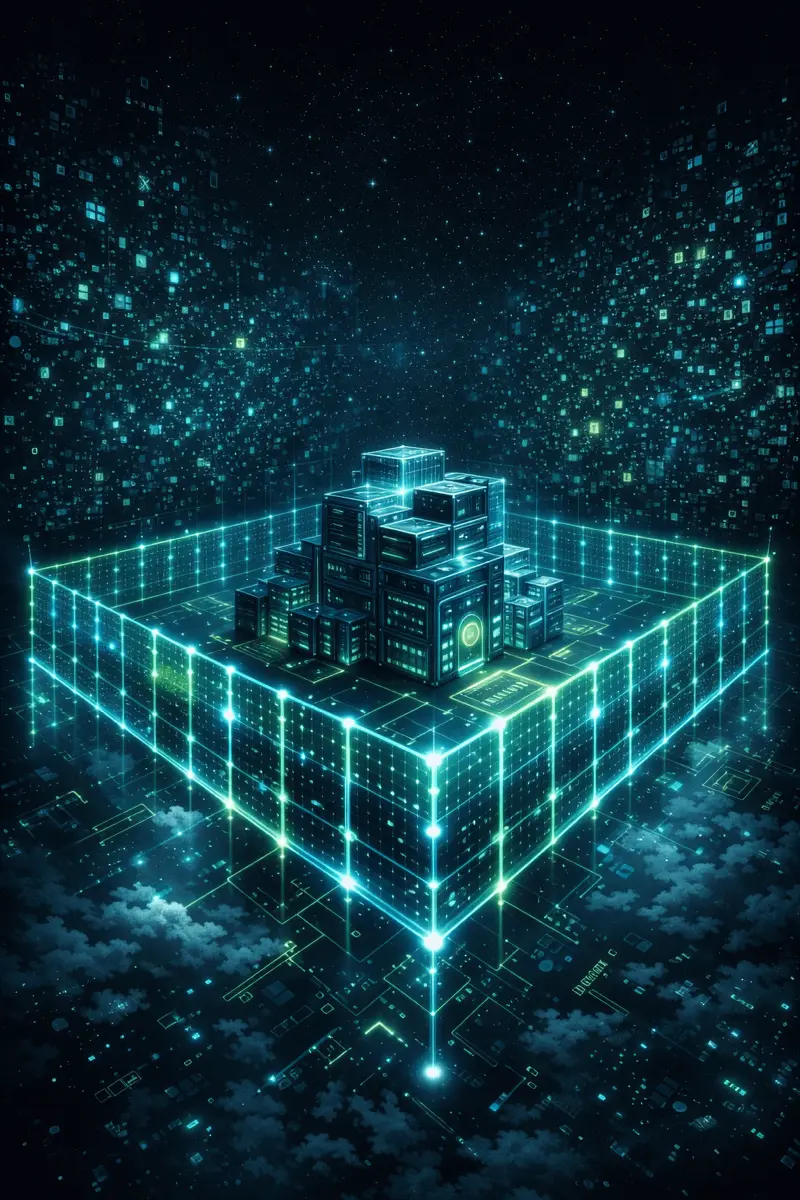
A VPC is your isolated network boundary — your construction site fence. Inside it, you decide what is reachable from the internet and what stays private. This is where “secure by design” begins.
A common safe pattern is to keep only your entry point public and put everything sensitive in private subnets. In AWS terms: a subnet is “public” when its route table has a route to an Internet Gateway (IGW). A subnet is “private” when it has no direct IGW route.
One practical gotcha: private subnets usually can’t reach the public internet for updates unless you plan outbound access. Common fixes are a NAT Gateway for general outbound traffic, or VPC endpoints for private access to AWS services (like S3). If outbound (egress) isn’t designed, installs/updates can fail and debugging becomes painful.
3) IAM: Site Security (Permissions + Identity) #

IAM is access control: who can do what, and on which resources. In real systems, most incidents aren’t “AWS failed” — they’re “permissions were too broad”. Least privilege is a core habit, not an optional feature.
A clean example: if your Laravel app needs to upload to S3, give the EC2 instance an IAM Role that allows only the actions you need (for example, write to a specific bucket path). Avoid giving admin access just to “make it work”.
4) S3: The Infinite Depot (Simple Storage Service) #
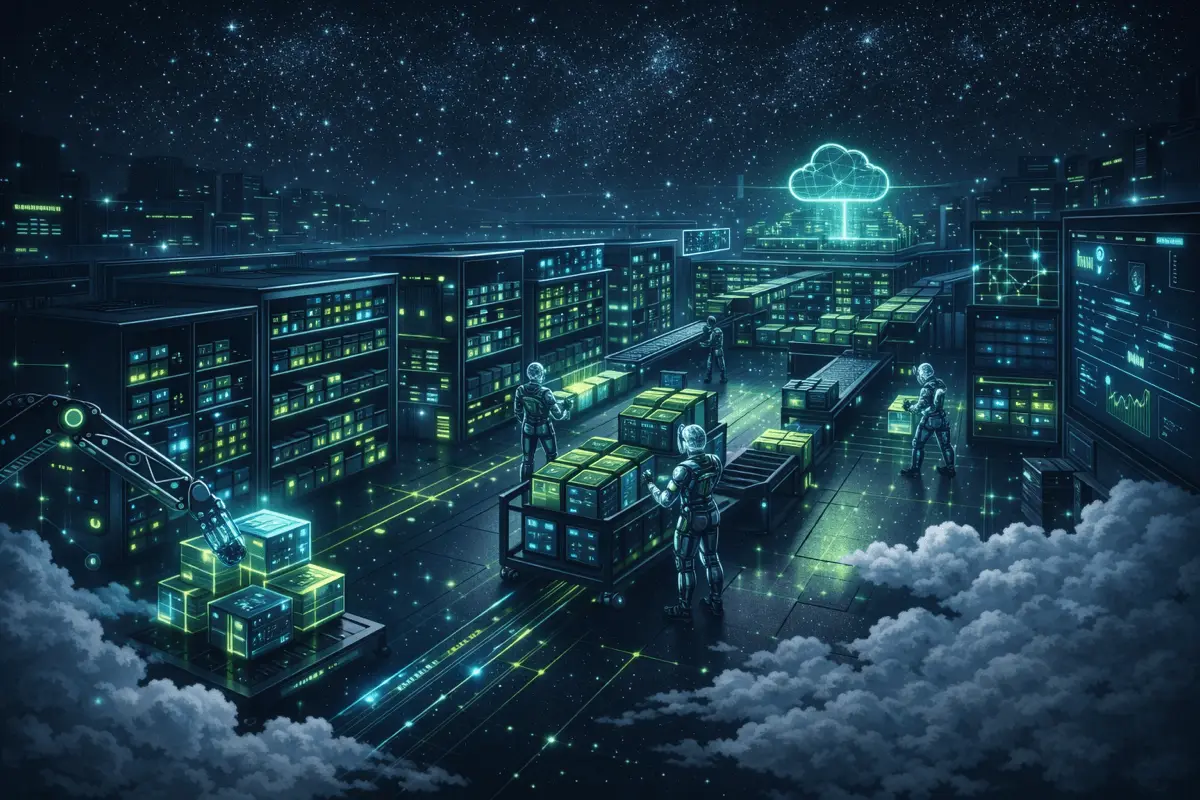
S3 is object storage: uploads, images, PDFs, backups, and logs. It’s the warehouse that scales without you thinking about disk size or server limits.
In practice, this is what makes app servers scalable: your Laravel app stores uploads in S3 and keeps only a reference in the database. You can then replace or scale EC2 instances without losing files.
Security note: be intentional about public access. If files should be private, keep the bucket private and use controlled access patterns (for example, pre-signed URLs for time-limited downloads).
5) RDS: The Specialist Contractor (Relational Database Service) #
You can run Postgres/MySQL on EC2, but RDS exists so you don’t have to babysit the database layer. RDS provides managed operations like automated backups and patching, and supports high availability options such as Multi-AZ.
The design rule I follow: keep the database private and only allow inbound connections from your application layer. If a database is publicly reachable, you’re starting from an unnecessary risk position.
6) CloudFormation: The Blueprints (Infrastructure as Code) #
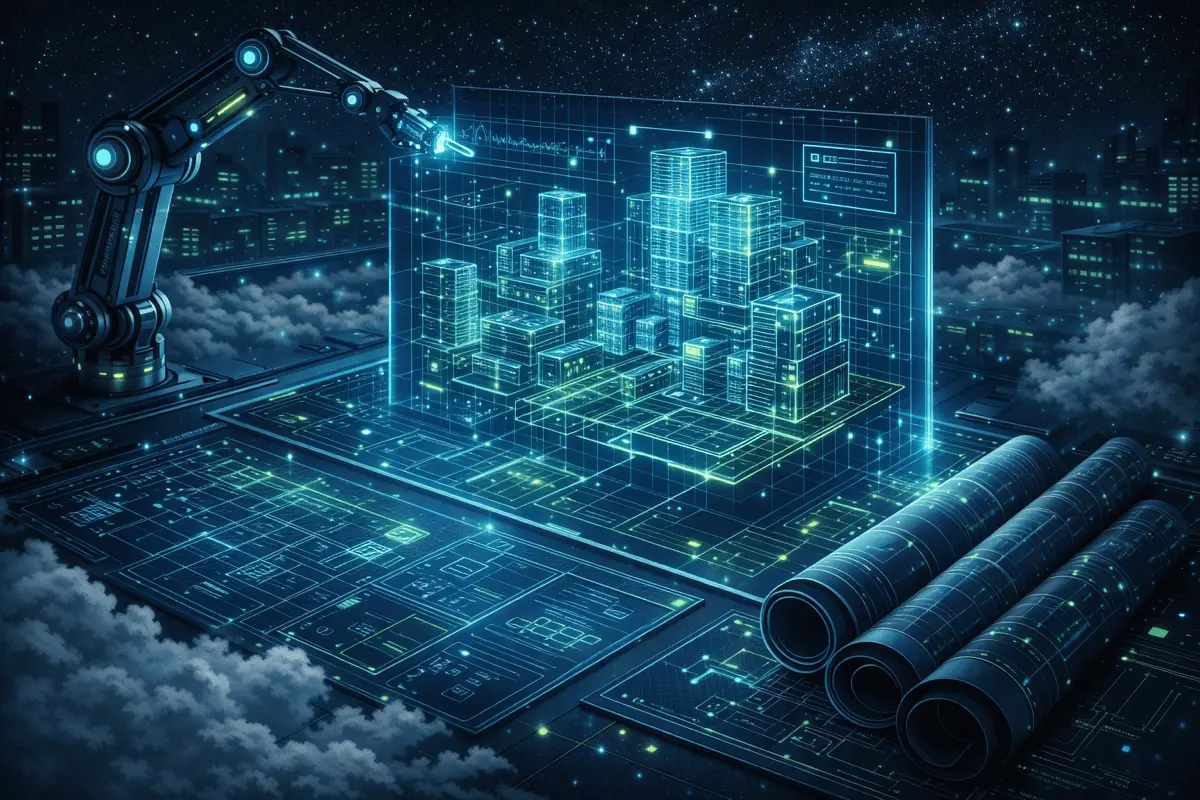
CloudFormation is where AWS becomes repeatable. Instead of manually clicking around the console and hoping you remember every setting, you define infrastructure in a template and deploy it as a stack.
The value is consistency: the same template can create dev, staging, and production environments with the same baseline rules. It’s reviewable, version-controlled, and far less fragile than click-ops.
Final takeaway #
AWS is a construction site: workforce, fence, security gate, depot, contractor, and blueprints. Once you see that model, the cloud stops feeling like magic and starts feeling like engineering.
Note: Built from AWS fundamentals study + official docs, then rewritten in my own words.